

Table of Contents
- How to Launch a YouTube Channel: Account Setup and Branding
- Choosing a Niche and Defining Your Viewer Persona
- YouTube SEO Best Practices 2026
- YouTube Video Script Templates for Beginners
- Best YouTube Tools for Creators 2026
- Legal, Copyright Compliance, and Mobile-First Channel Management
- How to Monetize a YouTube Channel in 2026
- Conclusion: Your Next Steps to Launch a YouTube Channel
Last Updated: August 18, 2026
How to Launch a YouTube Channel: Account Setup and Branding
Most guides bury practical setup steps under motivational preamble. This one doesn't. The Step-by-step Timesaver team built this guide for aspiring digital entrepreneurs who want to launch a YouTube channel in 2026 with a clear, repeatable process. The real challenge is doing steps in the right order and completing foundational work that determines whether your channel looks credible from day one.
Below, we'll walk through account setup, branding, SEO strategy, content planning, legal compliance, monetization eligibility, and AI tools that accelerate your workflow.
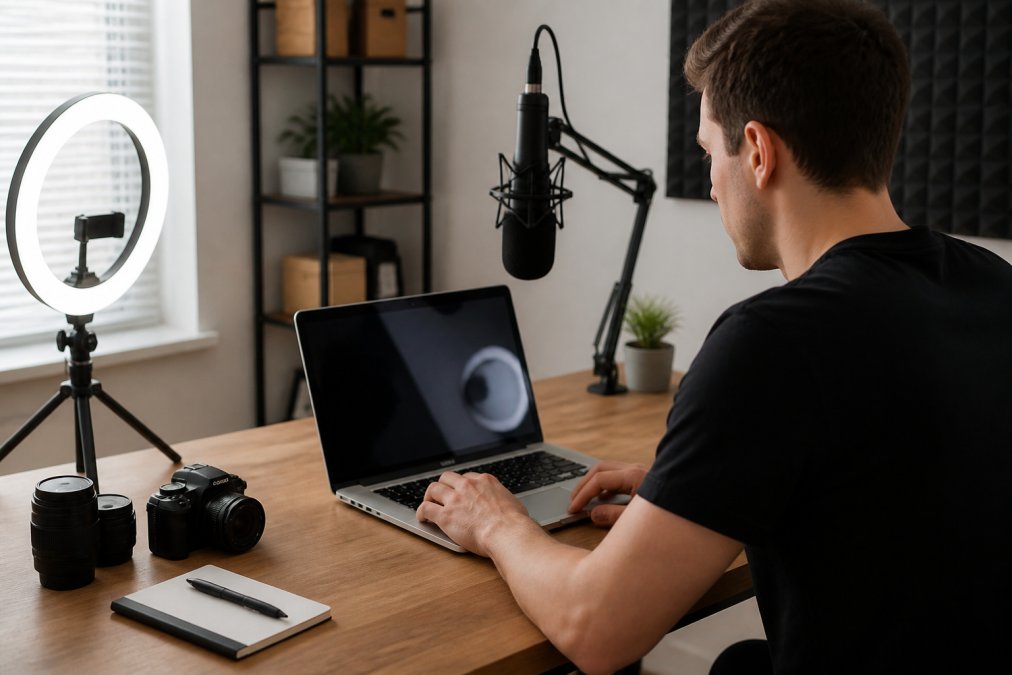
Creating a Google Account and Setting Up a Brand Account
A Brand Account is a YouTube channel managed by a Google Account but operating as a separate entity. Multiple people can manage it without tying it to personal Gmail identity. For any creator building a professional channel, a Brand Account is the correct choice.
Here's the setup sequence:
- Go to Google Account creation page and create a dedicated Google Account for your channel (not your personal Gmail)
- Sign into YouTube with that account
- Navigate to YouTube Settings → Create a new channel → Use a custom name (this creates the Brand Account automatically)
- Enable two-factor authentication on the Google Account immediately; channel hijacking is a real and growing threat
A common mistake is launching directly under a personal Google Account, which becomes painful when you want to add team members or separate your creator identity from personal email.
Channel Customization: Banner, Profile Picture, and Channel Trailer
Channel customization signals professionalism before a single video plays. The three non-negotiable elements:

- Profile picture: Use a high-resolution image (800×800px minimum). For personal brands, a clean headshot works well. For topic-based channels, a simple logo with clear typography reads better at small sizes.
- Channel banner: YouTube recommends 2560×1440px. The safe zone visible across all devices is the central 1546×423px.
- Channel trailer: A 60-90 second video that plays automatically for unsubscribed visitors. State who the channel is for, what they'll get, and why they should subscribe.
Your channel description should include your primary keyword naturally in the first two sentences.
Choosing a Niche and Defining Your Viewer Persona
The biggest mistake new creators make isn't poor production quality, it's niche selection that's too broad to compete. "Travel" is not a niche. "Budget solo travel in Southeast Asia for people over 40" is a niche. A narrower viewer persona means your click-through rate improves because the right people immediately recognise the channel as relevant.
To define your viewer persona, answer these questions before filming:
- What specific problem does this person have that your content solves?
- What do they already know about the topic (beginner, intermediate, experienced)?
- What other channels do they watch, and why isn't that content enough?
- What would make them subscribe rather than just watch one video?
Niche selection also determines your monetization ceiling. Finance, software, and business content generally attract higher CPM rates than entertainment or gaming because of advertiser demand.
YouTube SEO Best Practices 2026
YouTube SEO in 2026 is less about gaming the algorithm and more about matching search intent with precision. Keyword stuffing in titles and descriptions actively hurts performance now.
Keyword Research, Metadata, Tags, and Video Descriptions
Keyword research starts with understanding what your viewer persona actually types into the search bar. YouTube's autocomplete function is one of the most reliable free tools. Type your core topic and note every suggested variation; those are real queries from real users.
For metadata:
- Title: Include your primary keyword within the first 60 characters. Titles over 70 characters get truncated in search results.
- Video description: The first 150 characters appear in search results before the "show more" fold. Aim for 250-500 words total, including relevant keywords used naturally.
- Tags: Use 5-8 specific tags, not 20 vague ones.
- Chapters: Adding timestamps with descriptive chapter titles improves audience retention and gives YouTube additional keyword signals.
According to YouTube's official Creator Academy, accurate metadata is one of the primary signals YouTube uses to recommend videos to non-subscribers.
Thumbnails, Click-Through Rate, and Audience Retention
Click-through rate and audience retention are the two metrics that most directly influence how aggressively YouTube promotes your content. A high click-through rate tells the algorithm your thumbnail and title are compelling. Strong audience retention tells it your content delivers on the promise.
For thumbnails:
- Use high contrast between subject and background
- Include a human face where possible; faces drive higher click-through rates consistently
- Limit text to 3-5 words in large, readable font
- Create a visual style that's consistent across videos so your channel is recognisable in a subscriber's feed
If your click-through rate falls below 2-3% after the first 48 hours, the thumbnail or title needs revision.
YouTube Video Script Templates for Beginners
High-retention YouTube videos follow a predictable structure that can be templated.
Here's a script framework that works across most instructional and educational content:
Hook (0-30 seconds): State the specific outcome the viewer will get.
Credibility bridge (30-60 seconds): One or two sentences establishing why you're the right person to explain this.
Content body: Break the main topic into 3-5 clearly labelled sections. Announce each section as you enter it.
Call to action: Place your primary call to action at the 70-80% mark of the video, not the end.
End screen setup: The last 20 seconds should be dedicated to end screens and cards pointing to related content.
Planning Your Content Calendar and Upload Schedule
Consistency matters more than frequency. A channel that publishes one high-quality video per week for six months outperforms one that publishes five videos in January and disappears.
A practical content calendar structure:
| Content Type | Frequency | Purpose |
|---|---|---|
| Core educational/how-to videos | Weekly | Search traffic and subscriber growth |
| Trending or reactive content | As relevant | Algorithm boost and new audience exposure |
| Community tab posts | 2-3x per week | Viewer engagement between uploads |
| Playlist updates | Monthly | Organise content for new visitors |
Build your first 8 videos before you publish the first one. This gives you a buffer against weeks when life interrupts your upload schedule.
Best YouTube Tools for Creators 2026
AI-assisted tools now handle tasks that used to take hours: thumbnail ideation, script outlines, keyword clustering, caption generation.
The core toolkit for a new channel in 2026:
- Video editing software: Choose based on your current skill level and upgrade as your needs grow.
- Thumbnail design: Canva is widely used for thumbnail creation. Build a template you can replicate quickly.
- Keyword research: TubeBuddy and vidIQ are the dominant tools for YouTube-specific keyword research, competitor analysis, and tag suggestions.
- Captions and transcription: Accurate captions improve accessibility and give YouTube additional text to index. Most editing software now includes auto-caption generation.
- Analytics: YouTube Studio's built-in analytics dashboard is sufficient for most creators in the first 12 months. Focus on click-through rate, audience retention, and traffic sources.
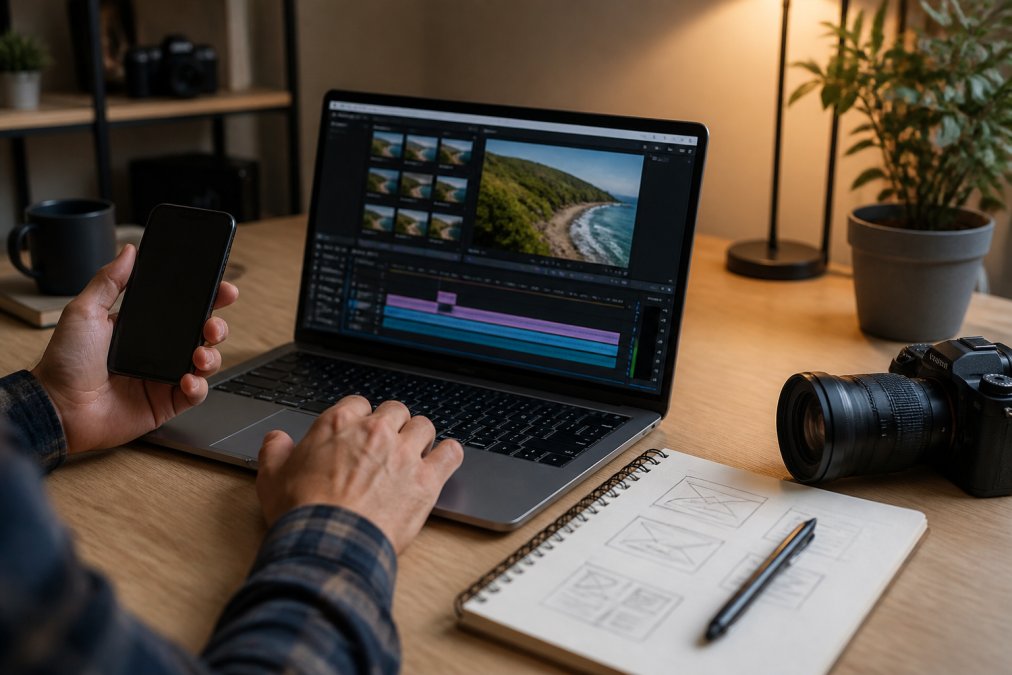
AI-Assisted Workflow Integration for Faster Production
AI tools have genuinely changed the production timeline for solo creators. Tasks that used to consume a full day can now be completed in a morning.
Practical AI integrations worth building into your workflow:
- Script drafting: Use an AI writing assistant to generate a first-draft outline based on your keyword and target audience. Edit heavily; the AI gives you structure, you provide the voice and expertise.
- Thumbnail concept generation: AI image tools can generate thumbnail concept variations quickly. Use these as references for your actual design.
- Title and description testing: Several tools now offer AI-generated title variations ranked by predicted click-through rate.
- Caption correction: Auto-generated captions are rarely perfect. AI-assisted caption editors can clean up errors in minutes.
For creators who want a structured system for all of this, the Stop Dreaming About YouTube. Start Building Here. guide from Step-by-step Timesaver walks through the complete channel launch workflow, including AI tool integration, in a clear step-by-step format.

Legal, Copyright Compliance, and Mobile-First Channel Management
Copyright is the area where new creators most often damage their channels without realising it. Three copyright strikes result in channel termination.
The rules that matter most:
- Music: Never use commercially released music without a licence. YouTube's Content ID system detects it automatically. Use YouTube's free Audio Library or licensed music services instead.
- Fair use: Fair use is a legal doctrine, not a shield. Using someone else's content for commentary, criticism, or education may qualify as fair use, but this is determined case by case. As documented in the U.S. Copyright Office's fair use guidance, four factors are weighed, and the outcome is rarely certain.
- Clips and footage: Stock footage sites offer royalty-free options. Always check the licence terms.
- Disclosures: If you receive free products, sponsorship payments, or affiliate commissions in exchange for content, disclosure is legally required. The FTC guidelines on endorsements and testimonials are the relevant standard for US-based creators.
Mobile-first channel management is no longer optional. A large portion of YouTube viewers watch on mobile devices. YouTube Studio's mobile app allows you to monitor analytics, respond to comments, and manage uploads from anywhere. Check your analytics dashboard daily in the first 90 days; early performance data tells you what's working before you've invested months in the wrong direction.
How to Monetize a YouTube Channel in 2026
Monetization on YouTube is a milestone, not a starting point. Treating it as the primary goal from day one leads to content decisions that hurt long-term growth.
Monetization Eligibility, Subscriber Growth, and Post-Launch Growth Hacking
The YouTube Partner Programme has two entry tiers. The lower tier requires 500 subscribers and 3,000 watch hours in the past 12 months, and provides access to channel memberships and Super Thanks. Full monetization, including ad revenue, requires 1,000 subscribers and 4,000 watch hours. These thresholds are confirmed in YouTube's Partner Programme overview.
Reaching those thresholds faster comes down to specific tactics:
Subscriber growth levers:
- Publish playlist-structured content where each video naturally leads to the next
- Add a verbal call to action for subscription at the 70% mark of each video
- Use community tab posts to stay visible between uploads once you reach 500 subscribers
Post-launch growth hacking that actually works:
- Cross-post short clips to other platforms to drive traffic back to full videos
- Find the 2-3 videos that perform above your channel average and create direct follow-up videos on the same topic
- Respond to every comment in the first 48 hours after upload; early engagement signals boost algorithmic distribution
Many creators find that diversified income arrives before monetization eligibility. Affiliate marketing, digital products, and direct audience support through platforms like Patreon can generate revenue from a much smaller audience. The The AI Content Strategist (+ BONUS: Your 30-Day Action Plan) from Step-by-step Timesaver includes a 30-day action plan specifically designed to accelerate this early growth phase.

| Revenue Stream | Eligibility Requirement | Typical Timeline |
|---|---|---|
| Ad revenue (YPP) | 1,000 subscribers + 4,000 watch hours | 3-12 months |
| Channel memberships | 500 subscribers | 2-6 months |
| Affiliate marketing | No minimum | From first video |
| Digital products | No minimum | From first video |
| Brand sponsorships | Varies by niche | 6-18 months |
Conclusion: Your Next Steps to Launch a YouTube Channel
Launching a YouTube channel in 2026 involves more moving parts than most guides acknowledge, from Brand Account setup and channel customization through SEO strategy, legal compliance, and AI tools that compress your production timeline. The creators who build sustainable channels treat the launch phase as a structured project, not a series of spontaneous decisions.
Getting all of these steps right on your own takes time most aspiring creators don't have. Step-by-step Timesaver's Stop Dreaming About YouTube. Start Building Here. guide gives you the complete channel launch system in a clear, actionable PDF format, covering everything from niche selection and branding through content strategy and monetization planning. If you want to launch a YouTube channel without spending weeks piecing together advice from a dozen different sources, this is the shortcut. Get started with Step-by-step Timesaver and build your channel on a foundation that's designed to last.
Frequently Asked Questions
Is it still worth starting a YouTube channel in 2026?
Yes. YouTube remains the second-largest search engine in the world, and the platform continues to grow its creator monetization options. Channels that focus on a specific niche, publish consistently, and apply solid SEO practices still see strong subscriber growth. The key shift in 2026 is that AI-assisted workflow tools have made production faster, so creators can compete with less time investment than was required even two years ago.
What are the essential technical requirements to launch a YouTube channel in 2026?
You need a Google account, a Brand Account for your channel, and a device capable of recording video, a modern smartphone is enough to start. Beyond that, basic editing software, a quiet recording space, and good lighting matter more than expensive gear. For SEO, you will also need to plan your video metadata, including titles, descriptions, and tags, before you upload your first video.
How long does it take to start earning money on YouTube in 2026?
To qualify for the YouTube Partner Program, you need 1,000 subscribers and 4,000 watch hours in the past 12 months, or 500 subscribers and 3 million Shorts views. Most channels reach this milestone between 6 and 18 months, depending on upload frequency, niche competition, and content quality. Channels that publish two or more videos per week and apply strong keyword research consistently reach monetization eligibility faster.
How do I choose a profitable niche for my YouTube channel in 2026?
Pick a niche where you can produce content consistently and where search intent is clear. Use keyword research to check monthly search volume for topics in your area. Niches with high advertiser demand, such as personal finance, digital entrepreneurship, health, and software tutorials, tend to generate higher CPM rates once you reach monetization eligibility. Avoid niches so broad that you cannot define a specific viewer persona within the first three videos.
What is the most effective content strategy for new YouTube channels in 2026?
Start with a content calendar built around 10 to 15 keyword-researched video ideas before you publish anything. Batch-film where possible to maintain a consistent upload schedule. Use end screens, cards, and playlist creation to keep viewers on your channel longer, which improves audience retention signals. Repurpose each video into short clips for other platforms to grow your subscriber base outside YouTube itself.
Can I manage a YouTube channel entirely from a smartphone in 2026?
Yes. The YouTube Studio mobile app lets you upload videos, review analytics dashboard data, respond to comments, and manage your content calendar from your phone. Many creators film, edit, and publish entirely on mobile, especially in the early stages. For channel customization tasks like updating your channel banner or channel trailer, the desktop version of YouTube Studio offers more precise controls, but neither is strictly required.
This article was written using GrandRanker